Separate medical dermatology intent and make the next step obvious.
Medical and cosmetic dermatology searches can reflect very different needs. Digital for Doctors helps owner-led practices make priority services easier to verify, answer administrative consultation inquiries, and route clinical questions to qualified staff.
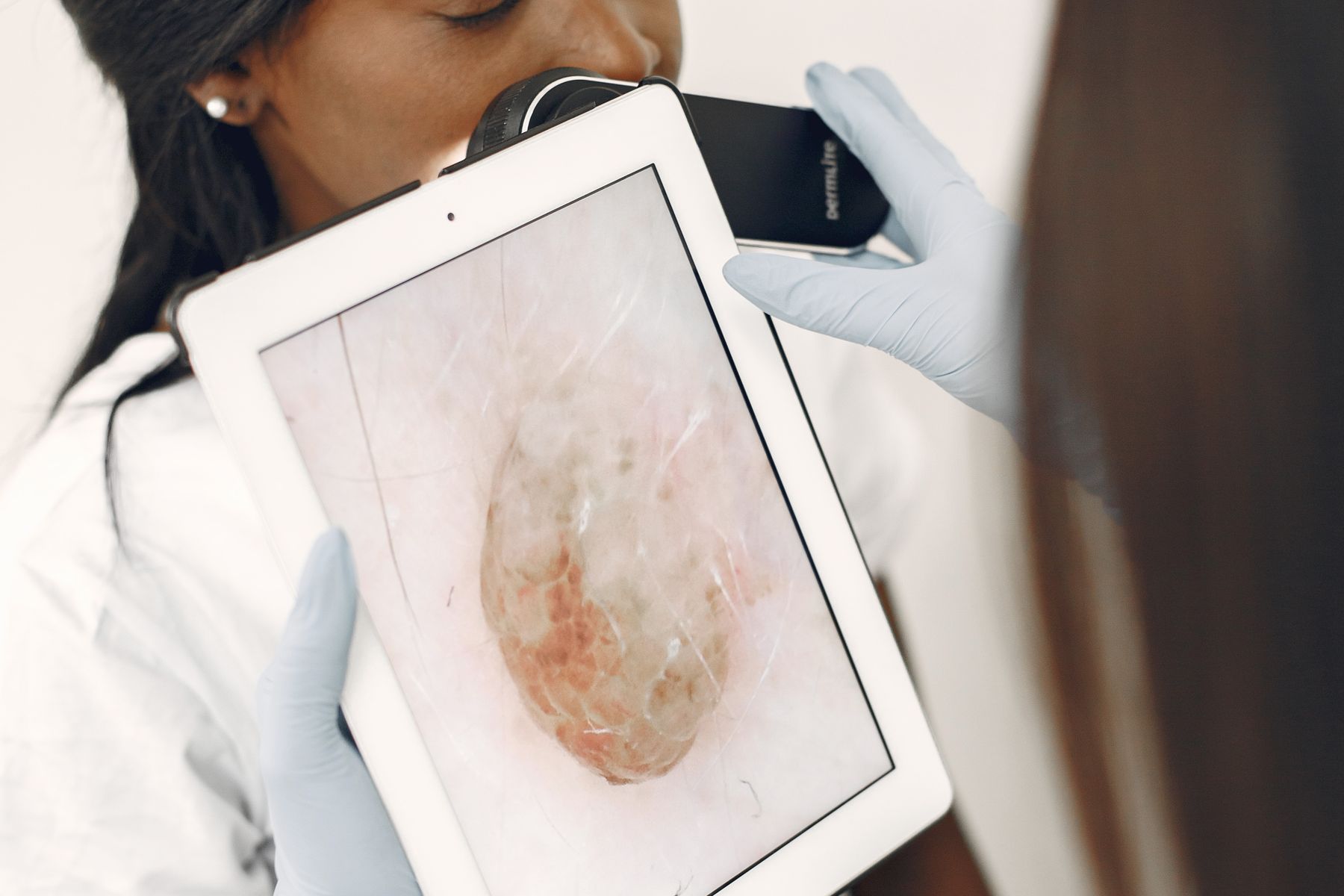
People searching in this category use a mix of local, service, comparison, and consultation language. The page and phone path should answer that intent without overpromising outcomes.
If the practice already receives consultation calls but misses them, answers late, or does not move approved inquiries to the calendar, Convert fixes the visible bottleneck before more reach is added.
One booked consultation in these specialties can matter enough to justify fixing the response gap. That supports prioritization; it does not promise revenue, rankings, or payback.
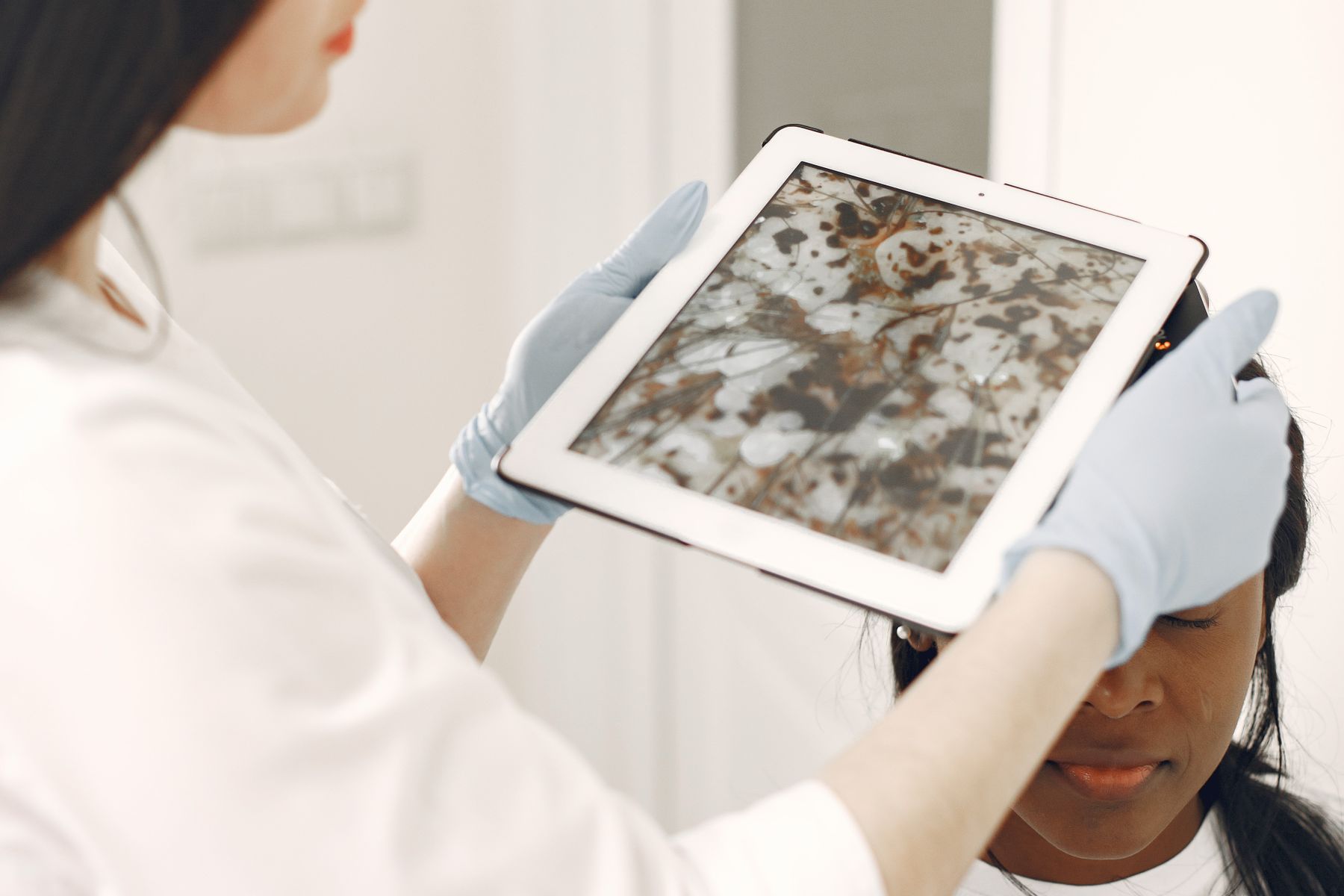
Track local visibility by priority service, response time, booked consultations, and human-routing quality.
Descriptive internal links help practice owners and search systems understand how the topic fits the offer.
A deeper article on the search, trust, response, and consultation path.
Read insight →The same response-gap language used in the social campaign assets.
Open funnel →Add a focused education and consultation path around an approved service.
Review add-on →The primary owner-side topic is dermatology marketing, supported naturally by cosmetic dermatology marketing, dermatologist local SEO, aesthetic dermatology marketing, and dermatology consultation booking. Those phrases are useful because they describe different parts of the same commercial problem; they should appear where they clarify the page, not as a repeated keyword list.
Dermatology search intent can mix medical, cosmetic, condition-specific, and local queries. An owner-led practice should separate those intents clearly so a prospective patient can understand what is offered and what the next appropriate step is. Service and location pages should use accurate language, avoid unsupported treatment claims, and distinguish educational content from the administrative consultation path.
On-page SEO should reinforce that structure with one clear H1, descriptive H2s, a concise title and meta description, a self-referencing canonical, crawlable internal links, a representative share image, and structured data that matches what the page actually says. The purpose is to make the page understandable to people, search engines, and answer systems without inventing a separate “A I optimization” layer.
The response layer needs equally clear boundaries. Routine administrative questions about location, hours, consultation availability, or approved booking types can be handled quickly. Clinical questions, symptoms, urgency, treatment suitability, and unusual circumstances should route to qualified staff. Convert is useful when the practice wants faster administrative access without blurring that distinction.
A useful dermatology operating dashboard is not a vanity-traffic report. It should show whether priority local and elective-service pages are discoverable, whether consultation inquiries are answered, how long response takes, how many eligible inquiries are booked, and where human routing occurs. That information supports better decisions about content, staffing, and later paid reach.
For a deeper educational view, read the related dermatology marketing insight. To see the response-gap message in campaign form, open the specialty funnel. The offer remains the same across both surfaces: start at the leak, use Convert when missed consultation calls or slow response are the visible bottleneck, and expand reach only after the path is observable.
Reputation & Proof can support ethical review requests and organize real proof. Procedure Consultation Funnels can support a carefully defined elective or aesthetic consultation path when the practice needs more education before booking. Neither should imply clinical suitability or guaranteed outcomes.
Review the most relevant modular option at this add-on page, or compare all six add-ons. The core ladder does not change: Operate runs the digital front door, Convert answers and books consultation inquiries, and Grow expands qualified local reach after the path works.
Upgrades require only the setup difference, and practice-owned assets are organized for a clean exit. That keeps the commercial structure simple enough for an owner to understand without an implementation diagram.
We will start with the smallest sensible scope and preserve the specialty and package intent.